
Setup
Two ways to run openFoundry, one workspace. Install the macOS app or start the web server, claim the install, then sign in.
What you need
- macOS 13.5 or later on Apple silicon for the desktop app.
- Node.js 20.9 or later for the web workspace.
- No account, no cloud subscription and no usage bill.
Both routes open the same workspace. The desktop app adds a native window and a bundled Node runtime. The web route runs the same server in your own terminal.
macOS desktop
- Download the current DMG from the releases page.
- Open the DMG and drag openFoundry to Applications.
- The build is ad-hoc signed and not notarized. The first time, right-click the app and choose Open, then confirm. On macOS 15 and later, use System Settings, Privacy and Security, Open Anyway.
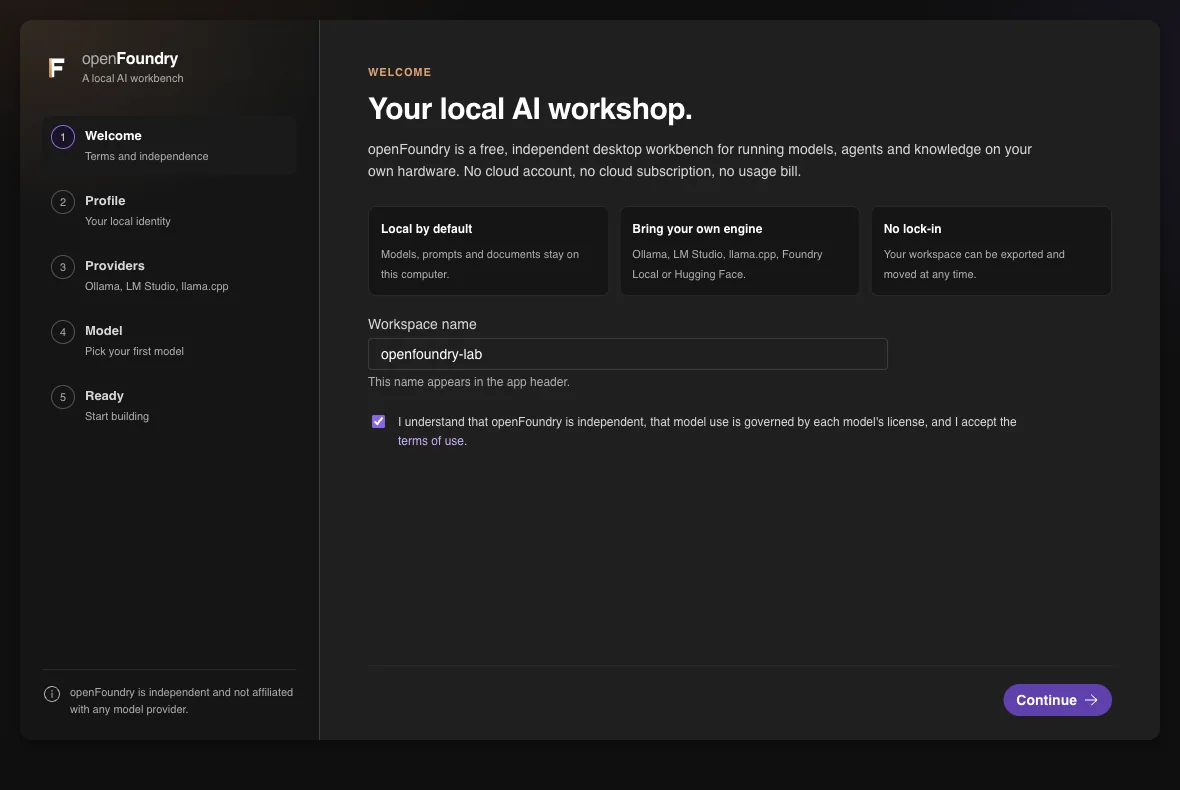
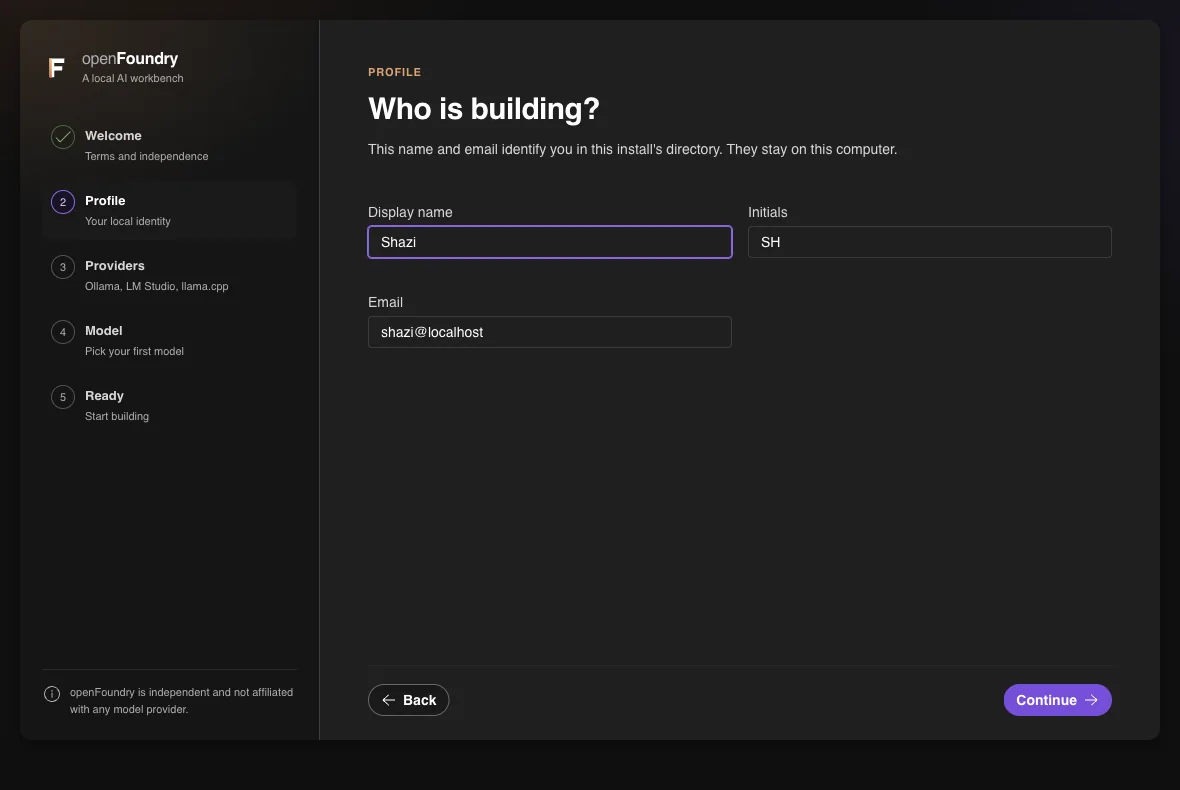
- The welcome step lists the terms. Accept them and continue. The profile step asks for a display name, initials and an email.
- Point the provider step at Foundry Local, Ollama, LM Studio or llama.cpp, then pick a model.
Web workspace
Clone the repository and install the dependencies. Use Node.js 20.9 or later.
git clone https://github.com/Sharjeelbaig/openFoundry.git
cd openFoundry
npm install
npm run dev
The first start prints a one-time setup token to the terminal and opens the setup screen. Enter the token with your name and email. The app creates the owner and shows an access code once.
Open http://localhost:3000. If the token expired, restart the server. It prints a fresh one while the install has no owner.
Windows
The desktop build for Windows is not available yet. The web workspace runs on Windows with Node.js 20.9 or later, using the same commands as above.
The packaged app is macOS only for now. Windows packaging is tracked in issue 1.
After setup
Sign in at /signin with your access code. On a web install the code is the only credential. Lose it and run this from the project folder:
npm run access-codeIt prints a new code for the owner and revokes the old one. It needs the same filesystem access the server already has, so it is not a remote reset.